
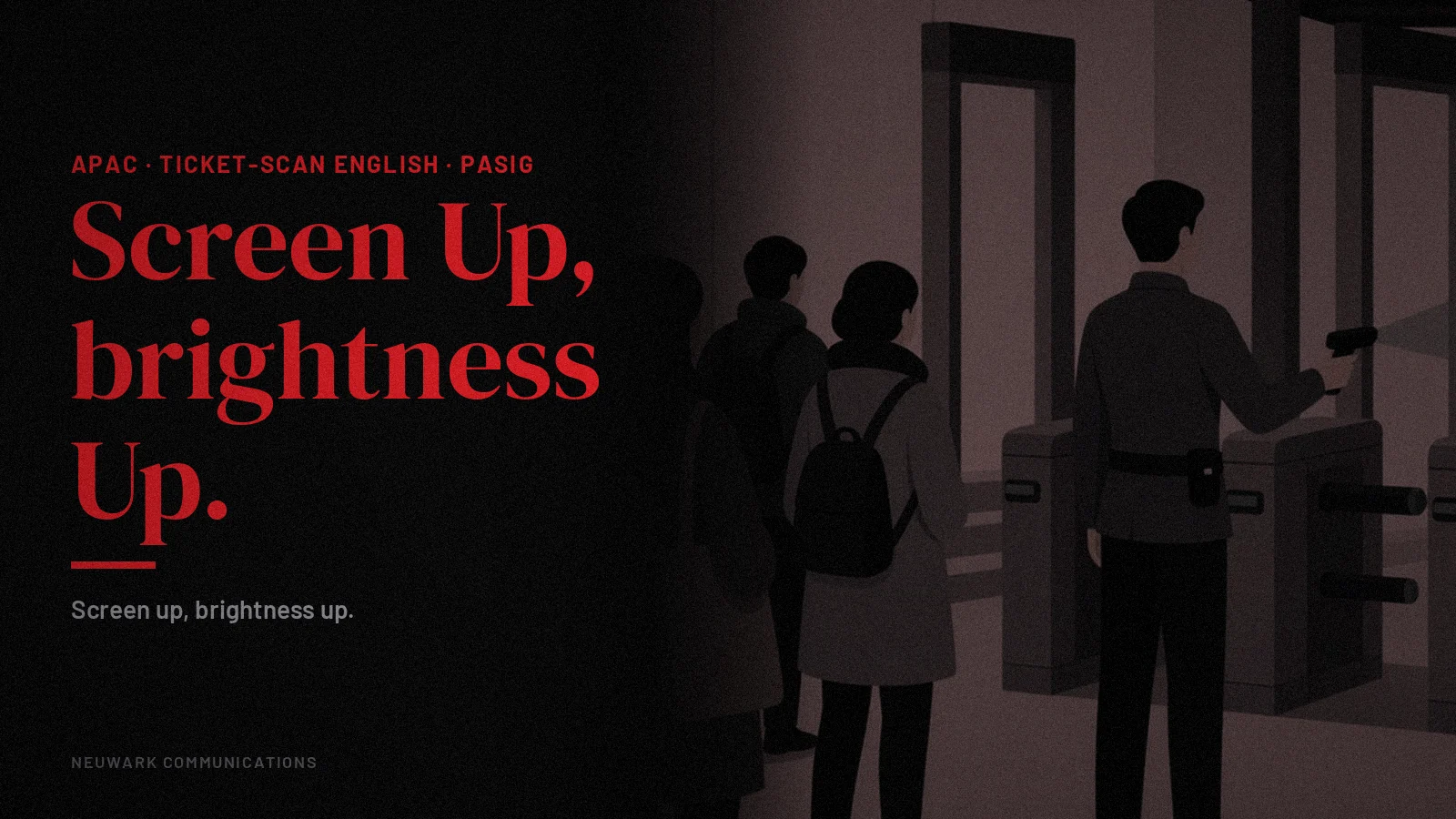
A youth summit at an arena gate in Pasig. Guests have e-tickets on their phones, but many screens are dim, some phones are locked, and the queue stalls every time a scanner beeps red.
Ticket-scan line English APAC is the short gate line for e-tickets: ticket open, screen up, brightness up, one guest at a time.
Street-smart APAC English: short sentences a tired operator can say out loud.
It runs before the badge check line English APAC, which confirms names on the list inside. The six words on the QR standee line English APAC can repeat the same instruction on a sign in the queue.
Quick answer: A ticket-scan line English APAC is the gate staff’s instruction for e-ticket scanning: open your ticket, screen up, brightness up, and one at a time. Say it to the queue before guests reach the scanner, repeat it at the lane, and keep a help desk nearby for tickets that will not scan.
What goes in a ticket-scan line English APAC?
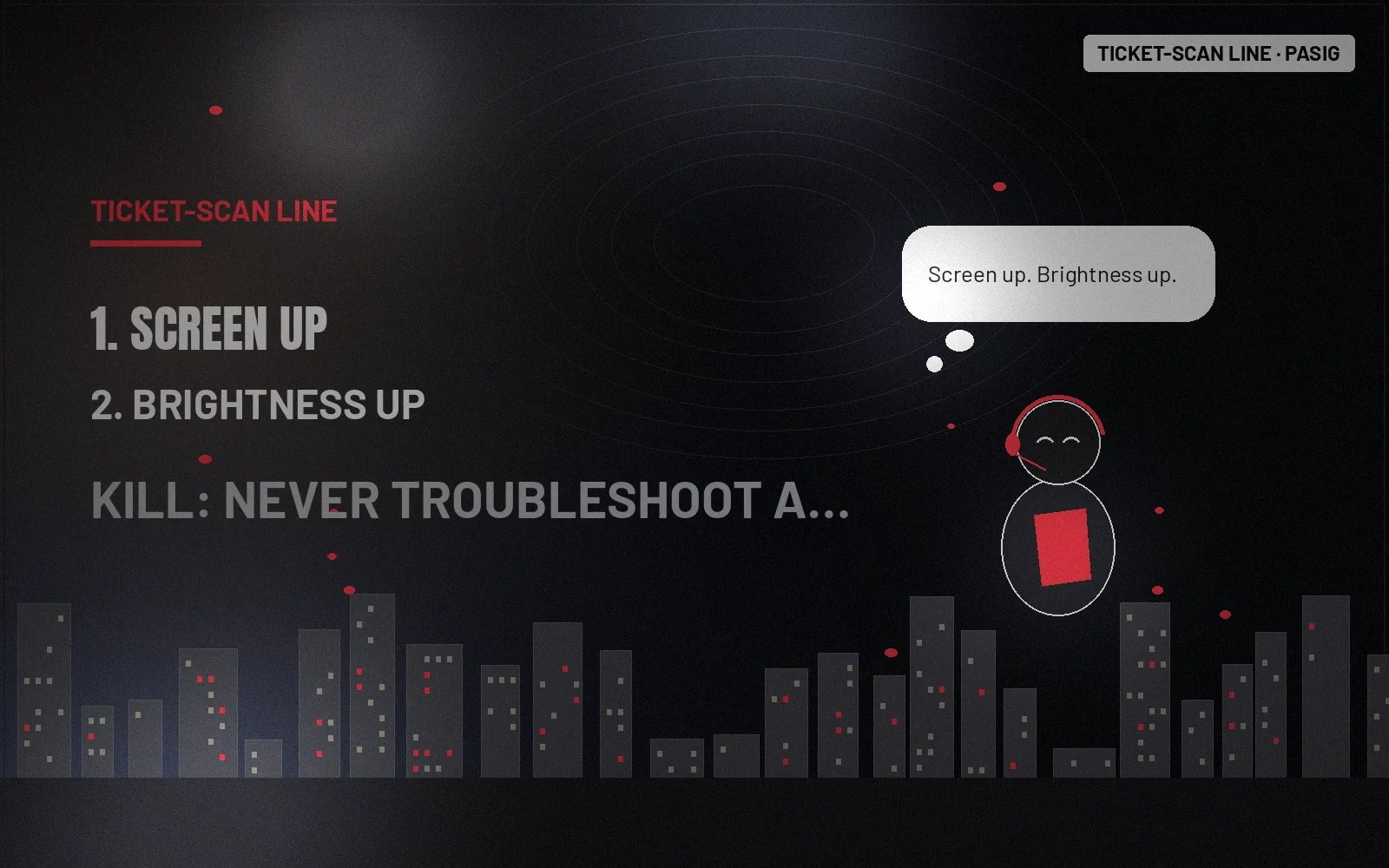
A ticket-scan line English APAC has three parts: have your ticket open, turn the screen up to full brightness, and step up one at a time. A marshal says it along the queue, and the scanner says it again at the lane, so guests arrive ready and the gate keeps moving.
Ticket-scan line (illustrative):
“Please have your ticket open on your phone.”
“Screen up, brightness up, please.”
“One at a time, thank you. You’re all set.”
How do I speed up e-ticket scanning at the gate?
Get guests ready before they reach the scanner: a marshal walks the queue saying the line, and a sign repeats it. At the lane, hold the scanner steady and ask for one phone at a time. Clear event language does more for speed than extra scanners when guests arrive unprepared.
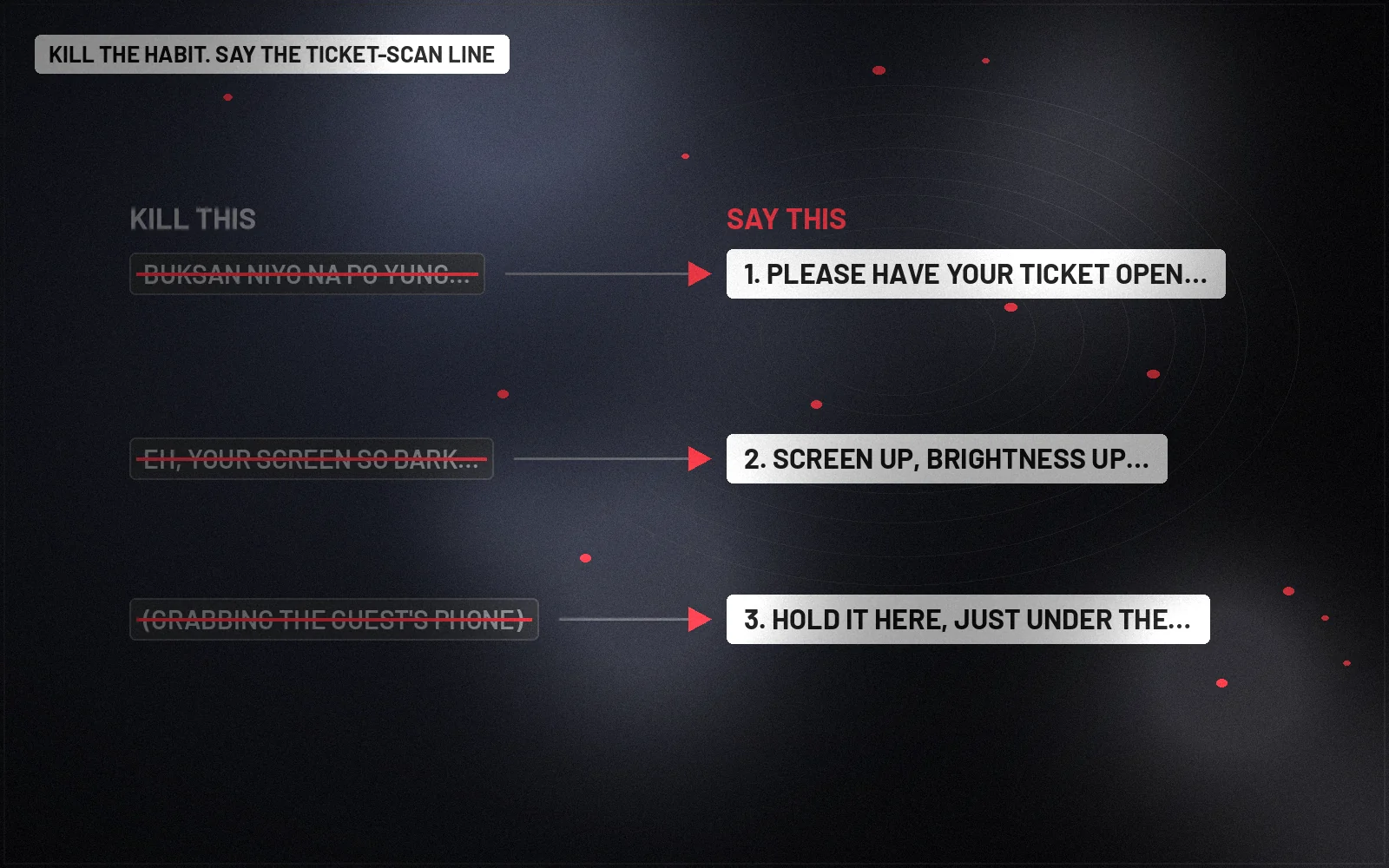
| Kill this | Say this (illustrative) | Why |
|---|---|---|
| Buksan niyo na po yung ticket, bilis ha! | Please have your ticket open on your phone. | Ready before the lane |
| Eh, your screen so dark, cannot scan lah. | Screen up, brightness up, please. | Tells them the fix |
| (grabbing the guest’s phone) | Hold it here, just under the scanner. | The guest keeps the phone |
| Sabay-sabay na lang kayo, dali. | One at a time, thank you. | One beep per guest |
What if a ticket will not scan?
Do not hold up the lane. Ask the guest to step to the side desk, where staff can look up the booking by name or email and let them in. Keep the lane for tickets that scan, and tell the guest kindly that the desk will sort it out in a moment.
Can guests show a screenshot or a printed ticket?
Follow the ticketing provider’s rules and say them the same way at every lane. If screenshots and printouts are accepted, say so on the event page and at the queue. If they are not, tell guests before they reach the scanner, and send them to the help desk rather than turning them away.
How does this play out in PH and SG?
The three parts hold in both markets, but phones, signal and gates differ. Use the desk notes below to adjust the line, the queue set-up and the help desk for Philippine and Singapore gates, and test the scanners with the ticketing provider before doors open.
Philippines desk. In the Philippines, mobile signal can drop near crowded gates, so remind guests to open or save the ticket before they queue. Say the line in English or Filipino, and keep a help desk with a printed or offline guest list.
Singapore and wider APAC desk. In Singapore, guests often arrive with tickets ready and expect a fast gate. Keep the line in plain English, keep one lane for help, and hand out campaign communications materials after the scanners, not before them.
Paste-ready lock
Speakable lock (illustrative): “Please have your ticket open on your phone, screen up and brightness up, and step up one at a time.”
Monday field kit
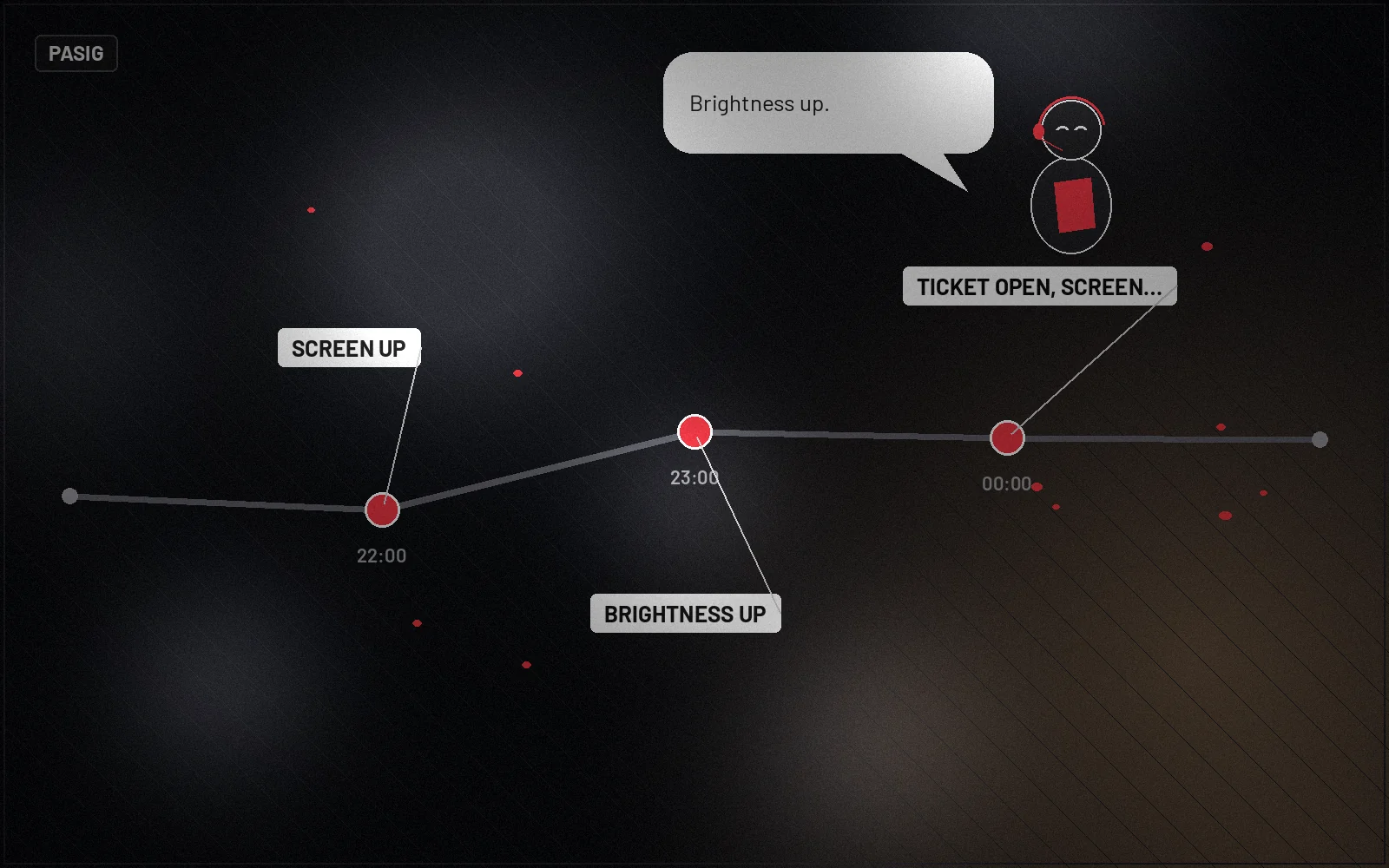
- Ticket open, screen up, brightness up, one at a time.
- A marshal walking the queue with the line.
- A help desk beside the lanes.
- Scanners tested with the ticketing provider.
- Kill rule: never troubleshoot a ticket at the lane; send it to the help desk.
What to do this week
- Test every scanner with sample tickets.
- Add the line to the event page and the reminder message.
- Set up a help desk with an offline guest list.
- Brief the queue marshal on the line.
Kill rule: if the scanners fail, switch to the offline list at once rather than holding the gate.
FAQs
What is a ticket-scan line English APAC?
A ticket-scan line English APAC is the short gate line for e-ticket scanning. It asks for the ticket open, screen up, brightness up and one guest at a time.
How do you make a QR ticket scan faster?
Make a QR ticket scan faster by turning the phone screen to full brightness and holding it still under the scanner. Have the ticket open before you reach the gate.
What if an e-ticket will not scan?
If an e-ticket will not scan, the guest steps to the help desk beside the lanes. Staff look up the booking and let the guest in.
Can I show a screenshot of my ticket?
Whether a screenshot of a ticket works depends on the ticketing provider’s rules. The event page and gate staff should say clearly if screenshots are accepted.
Neuwark Communications builds event scripts and campaign communications as part of our strategy and messaging work and wider services. More street-smart lines live in Insights.
Related: Badge check line English APAC · QR standee line English APAC
Talk to us about your next event script.
Illustrative lines only. Communications craft, not legal advice.